How to choose the right DAC/amp
A DAC/amp is the right tool for some headphones and an extra for others. Before you buy, read do you need a DAC?, and read headphone impedance explained to match power to your headphones. The six checks below cover what to compare on the spec table, from output power to the sample rates a unit supports.
Output power at your impedance
The amp has to deliver enough power to the headphones you own. The higher the impedance, the more voltage headphones need to play loud enough (beyerdynamic). Check the output power column, which lists milliwatts at a stated impedance, and compare it at your headphones' impedance, not just the biggest number on the box. Our impedance guide explains the pairing.
Inputs
Check the inputs column for USB-C and optical. USB-C suits phones and laptops, and optical suits a TV or console. Before you add a box to your setup, see do you need a DAC? to find out whether your source already does the job. Beyerdynamic notes that most smartphones and notebooks don't supply as much power as a hi-res player or stereo system, which is why a portable DAC with a built-in amp is suggested for mobile use (beyerdynamic).
Outputs
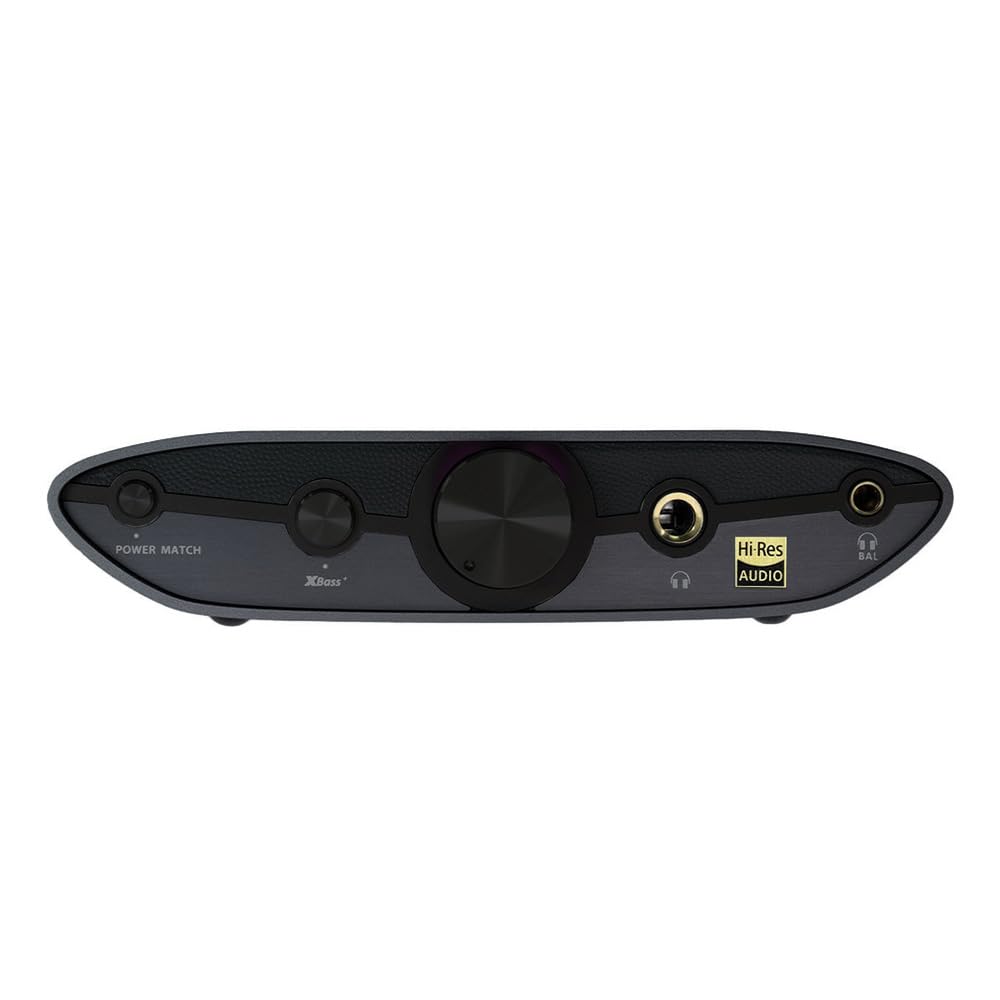
A 3.5 mm output is the common type. A 4.4 mm balanced output suits headphones with a matching balanced cable, so check that before you pay for it.
Low noise for sensitive IEMs
If you use sensitive IEMs, check the maker's notes on noise. Gain settings let you match the amp to easy or hard-to-drive headphones, so look for them in the spec table. This check matters most if you pair the unit with IEMs, and not at all if you use a pair of large, high-impedance headphones.
Dongle or desktop
A dongle plugs into a phone or laptop and runs on its power, which makes it easy to carry. A desktop unit has more outputs and often external power, and it stays on your desk. The form and power columns show which one a model is. Pick the dongle if you move around, and the desktop unit if the headphones live at a desk.
Supported sample rates
Audio CDs use 44.1 kHz sampling with 16-bit samples (Library of Congress). Apple says iPhone and iPad need an external DAC for sample rates above 48 kHz (Apple). Check the sample rate column against your files.